Reuploading a requested document
When the validator flags a document as unreadable or non-compliant, you replace it directly from the dossier detail — analysis restarts immediately.
During review, the validator can request a document reupload: unreadable scan, wrong document, missing page… The dossier does not start over — only the flagged piece needs replacing.
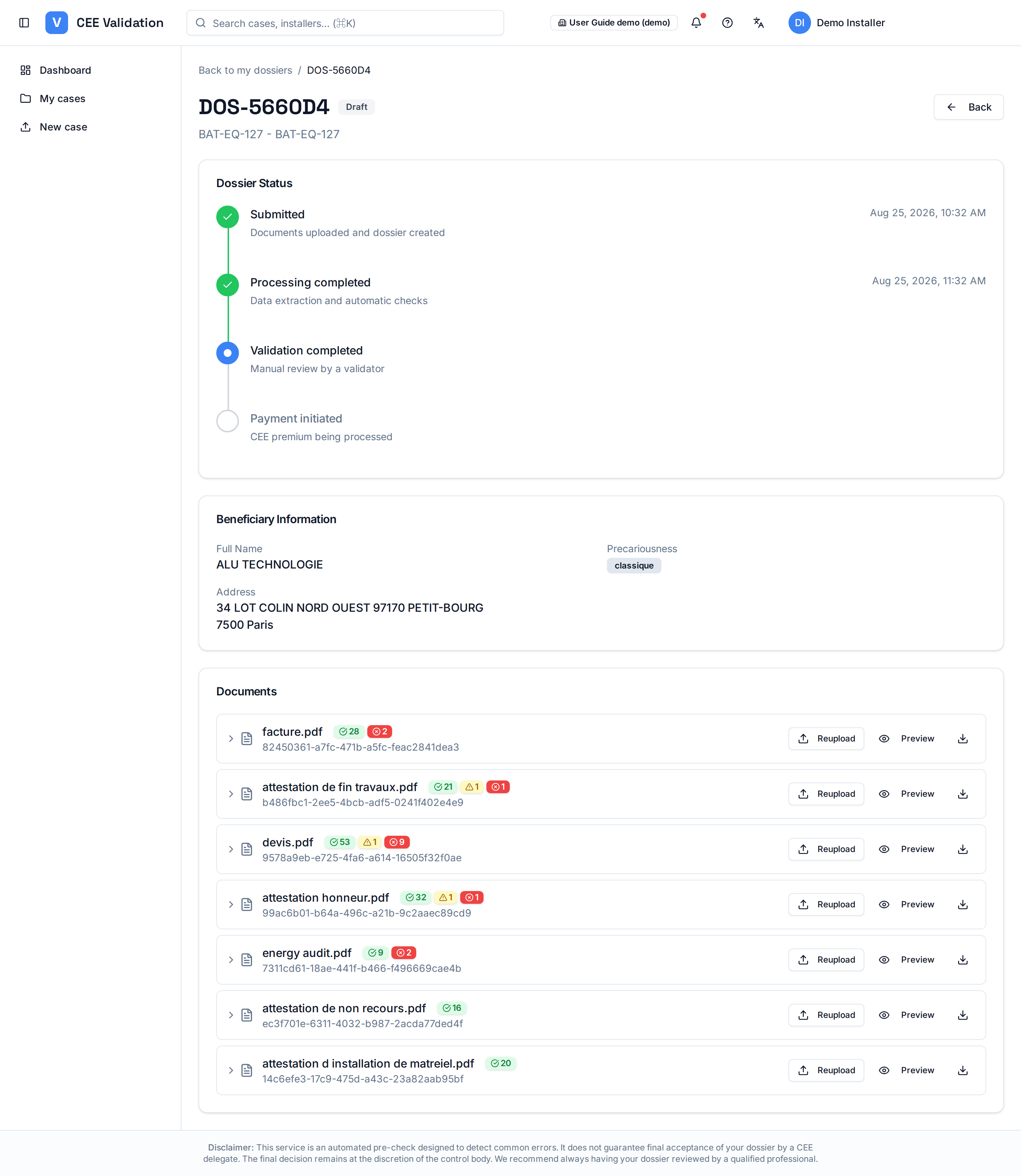
In the dossier detail, an orange “Documents requiring reupload” card lists each affected document with the exact reason given by the validator. Each flagged document also carries a “Reupload needed” badge in the documents list, and the dossier row is highlighted in orange in “My dossiers”.
The new file is checked before sending: iverif verifies it matches the expected document type and fiche, then automatically restarts extraction and rules on that piece.
Screenshots
Steps
- Spot the requestYou are notified when a reupload is requested. In “My dossiers”, the row of the affected dossier is highlighted in orange: open it.
- Read the reasonThe orange “Documents requiring reupload” card shows the exact reason for each document. Fix the problem at the source (re-scan, export the right document…).
- Click “Reupload”The “Reupload” button is on the flagged document's row, both in the orange card and in the documents list. Accepted formats: PDF, JPG, PNG.
- Let the check finishiverif first validates the fiche code and document type; if the file does not match, the upload is blocked with an explicit message.
- Confirm successThe “Document reuploaded successfully” message confirms the replacement. The badge disappears and AI analysis restarts on that piece.