Home / Validator workspace
The validation queue
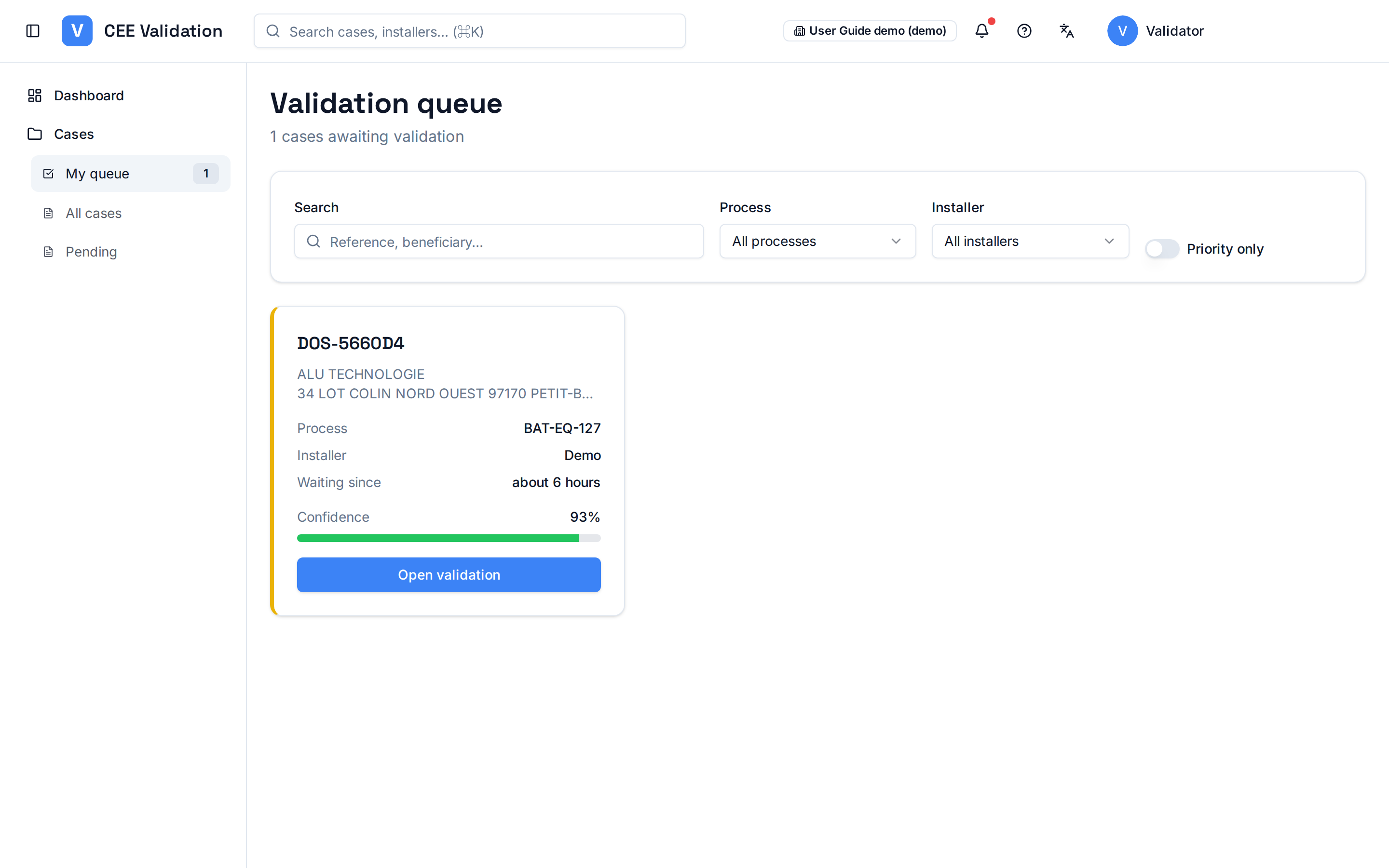
“My queue” gathers the AI-processed dossiers waiting for your human review before a decision.
The AI pre-processes every dossier: it reads the documents, extracts the data and checks the CEE fiche rules. But the final decision stays human — that is what the validation queue is for.
Each row in the queue is a dossier ready for review, with its confidence score: the higher the score, the faster the review. Click a dossier to open the validation workspace.
Screenshots
Steps
- Open “My queue”In the side menu, click “My queue” under “Cases”. The counter shows how many dossiers are waiting for you.
- Sort by priorityStart with urgent dossiers or the lowest confidence scores: those need the most attention. The “Priority only” toggle filters the queue to urgent dossiers.
- Open a dossierClick “Open validation” on the dossier card to enter the validation workspace: the dossier is then assigned to you.
Glossary
| Term | Definition |
|---|---|
| Confidence score | Indicator computed from the rule pass rate and the reliability of extracted data; it helps prioritize review. |